

Operator guide
From an empty cluster to a team using dbportal every day, in the order the steps come. Each step points at the page that carries the detail; this page carries the order and the decisions. Everything here is what the product does today (docs/CONTEXT.md §4 records why).
1. Decide three things before installing
Section titled “1. Decide three things before installing”- Where the portal keeps its own state.
STORAGE_PROVIDER=postgresfor anything shared: datasources declared in the UI, approvals, service tokens, alerts, the durable audit trail.sqliteis fine for one replica;local(the default) keeps nothing on the server (STORAGE.md). Give the portal its own database: a datasource that points at the database hosting the portal’s store is a datasource people can write to. - How people sign in. Local accounts to start (
ADMIN_EMAIL/ADMIN_PASSWORD,USER_EMAIL/USER_PASSWORD, TOTP optional: MFA.md); an identity provider for a team (OIDC.md). Groups the provider sends becomegroup:<name>principals, which is what datasource access rules and named roles are written against. - Where the database credentials live. In the seed file as
${ENV_VAR}references, or in Vault asvault:kv:/vault:db:references (SEED_CONNECTIONS.md “Vault references”). A credential never sits in the store or in the browser.
2. Install
Section titled “2. Install”Kubernetes: HELM_CHART.md - the production example sets a JWT secret, the
admin password, the PostgreSQL subchart for the store and an Ingress. Docker: the README’s
quick start. Set at least JWT_SECRET, ADMIN_PASSWORD, STORAGE_PROVIDER and
STORAGE_POSTGRES_URL; .env.example documents every variable by section.
Verify the image before you run it: every push is signed keyless and carries an SBOM (SECURITY.md “Verifying a release image”).
Check the probes answer: GET /api/health/live (the process runs) and
GET /api/health/ready (the store and Vault answer).
3. The first datasource
Section titled “3. The first datasource”Sign in as the administrator, open the gear beside your name, Datasources → New datasource. The sheet has two tabs:
- Connection: engine, host, port, user, database, environment. From Vault browses the KV mount and fills these from a secret, the password as a reference the server resolves at open time. Test Connection runs before anything is saved.
- Security: who may open it (administrators, users, groups and named roles picked from what the deployment already knows), who may write (everyone, administrators, nobody), whether writes need approval (one or two reviewers) or a ticket, who may export, and the limits (rows per statement, statements per person).
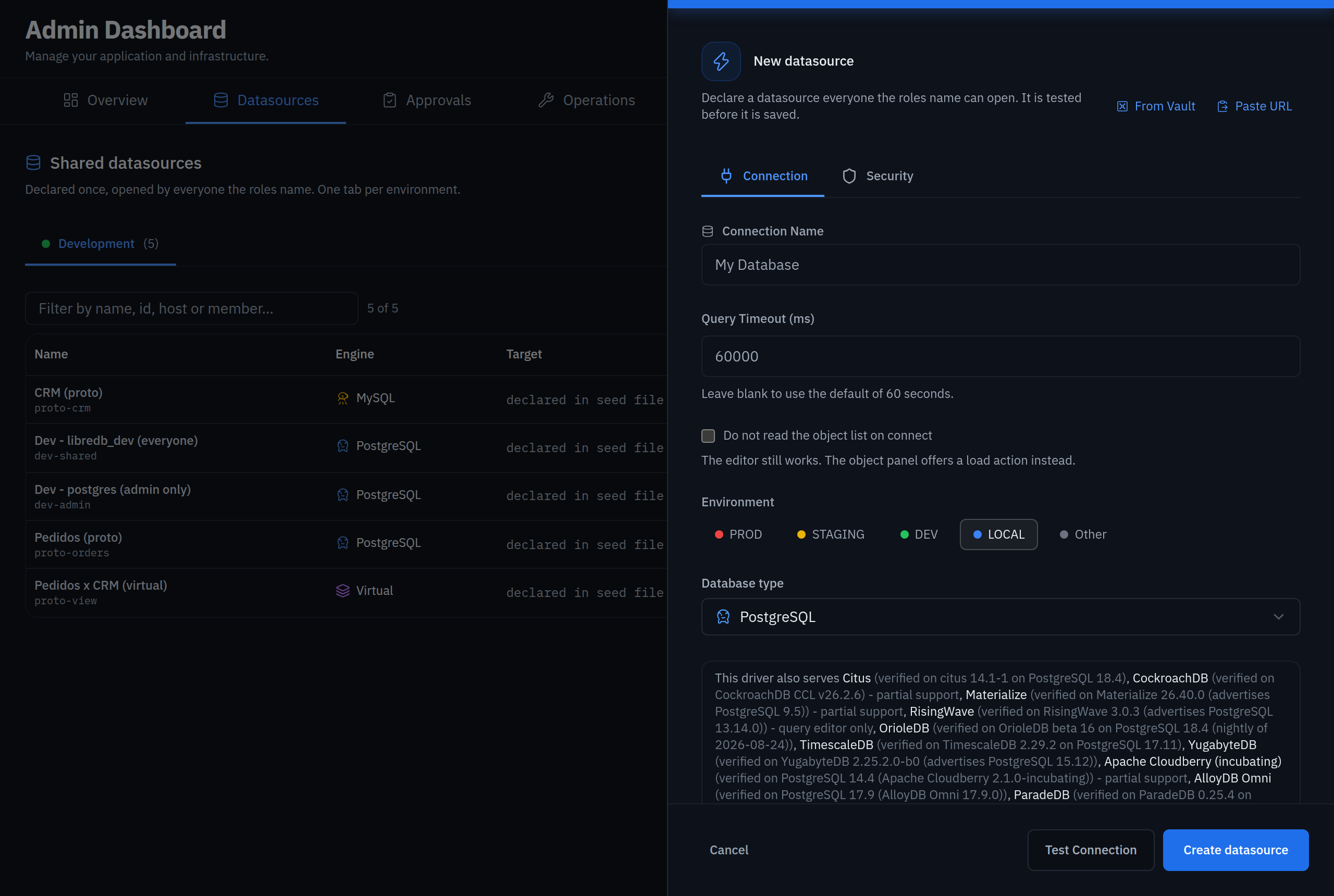
Once a PostgreSQL or MySQL datasource connects, the key action on its row provisions an account of the portal’s own: a role with only what the chosen profile needs, its password generated and written to Vault (or sealed in the store when there is no Vault), the datasource pointed at it. The plan is shown as SQL before it runs; see SEED_CONNECTIONS.md “An account of the portal’s own”.
The datasource’s id is the slug of its name; the same application in another environment
(smb in production, smb in staging) keeps its name and gets the environment appended to
the id (smb-staging), which the toast says.
The same datasource can be declared in the seed file instead (SEED_CONFIG_PATH), which is
the right place for anything that should survive a store reset and be reviewed in git
(SEED_CONNECTIONS.md). Seed-file datasources are read-only on the
page; both kinds are listed together, one tab per environment.
Environments themselves (production, staging, development, local, other) can be relabelled
and extended under Security → Environments; production keeps its rules: exports closed
by default, no seeding, no restore.
4. Who is who
Section titled “4. Who is who”- Named roles (Security → Roles): a name for a set of people and groups (
on-call,data-platform) that datasources refer to asrole:<id>. Change the members once, every rule follows. The picker offers every person and group that has signed in, plus whatever a rule already names; a group nobody has signed in with yet is typed asgroup:<name>. - SSH identity (the admin header): an administrator’s own OS Login user and key, used in place of a profile’s shared credential on the SSH profiles that ask for it (“personal identity”), so the bastion’s log names the person.
- Service tokens (Security → Service tokens): the identity a bot or an agent presents
(
Authorization: Bearer dbp_…), with a role, groups, a datasource allowlist and an optional “every request needs approval”. The secret is shown once. - Approvals: a write on a datasource that requires approval waits on
/approvalsfor a reviewer - anyone the datasource’s approver roles name - or in Slack, with buttons when the signing secret is set (API_DOCS.md “Executions API”).
5. Guardrails for production
Section titled “5. Guardrails for production”- Freeze windows (Security → Freeze windows): a period during which nothing is written, declared once, with a reason.
- Masking (Security → Data Masking): column patterns masked before a result leaves the server; what masks for whom is per role.
- Tickets: a datasource can require a ticket or incident reference on every write; it lands on the audit line.
- Limits: rows per statement and statements per person, per datasource.
6. Operations
Section titled “6. Operations”Operations is one datasource selector over four tabs: Global operations (vacuum, analyze, reindex, tables, sessions, locks), Runbooks (a statement declared once with the values it asks for, run from the studio by anyone who may open the datasource), Seed from schemas (a non-production PostgreSQL or MySQL filled with generated rows, or with a masked sample copied from another datasource of the same engine, children by ratio) and Backups (a dump of the selected datasource, kept on the server’s data volume, uploaded or restored where the environment is not production).
Take the first backup the day the first datasource exists; the restore is what proves it.
7. Alerts
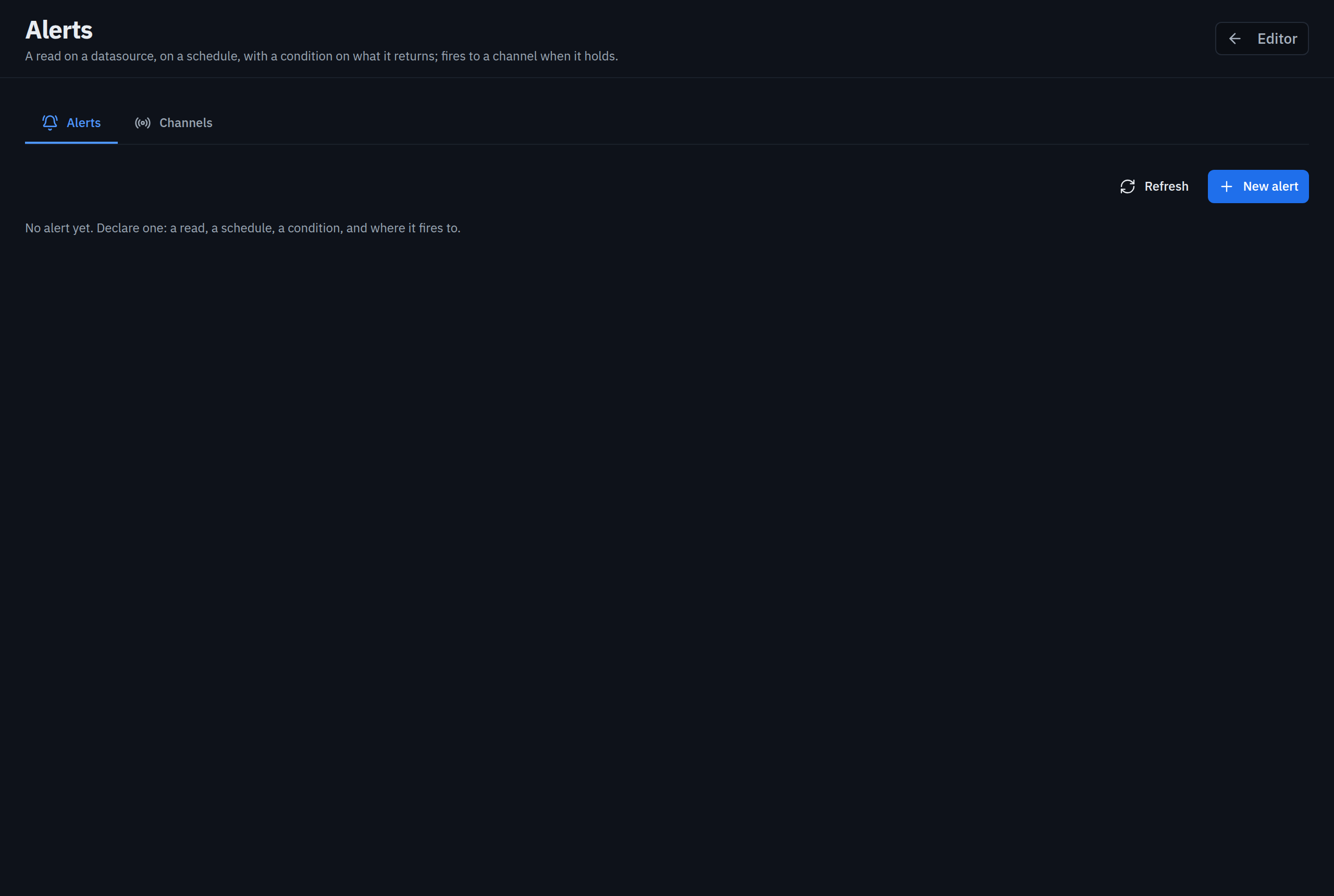
Section titled “7. Alerts”/alerts, for everyone signed in: a read on a datasource, a schedule, a condition on the
value it returns, and the channels it fires to. Channels sit on the second tab of the same
page - a Slack channel picked by name (the bot needs channels:read and groups:read), or a
webhook, which for anyone but an administrator must point at a host in
CALLBACK_ALLOWED_HOSTS. An alert runs with the access its owner had when it was saved.
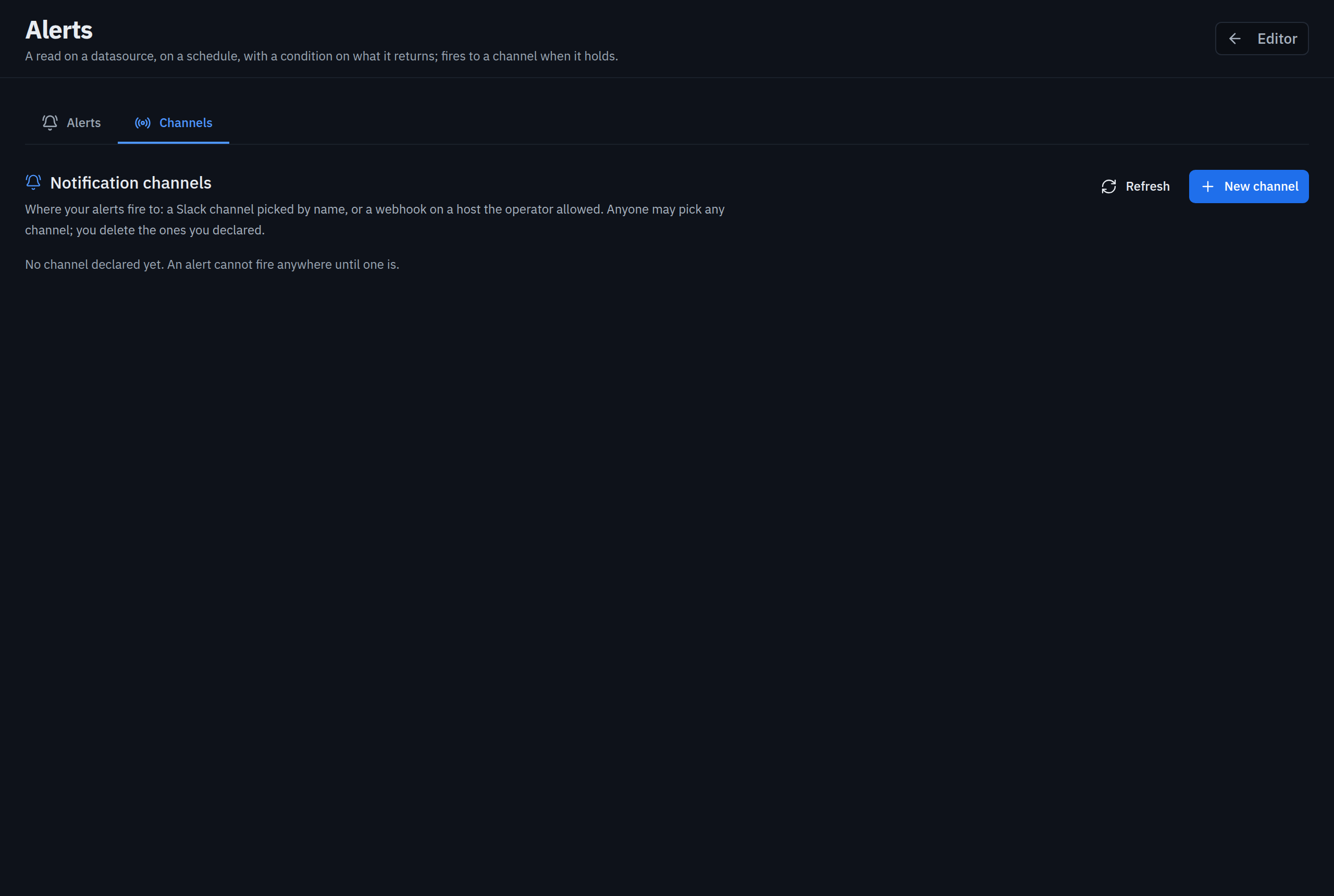
Alerts on the trail (Security → Channels, administrators): a guardrail fired, a large export left production, a backup failed, a seed failed - each to the channels ticked, once per datasource every five minutes at most.
8. The audit trail
Section titled “8. The audit trail”Every execution and every operation is one JSON line on stdout (the authoritative record),
kept in the store when there is one (AUDIT_RETENTION_DAYS), exported to Elasticsearch when
AUDIT_ELASTIC_URL is set, and read on Audit filtered by actor, datasource, result and
period. SQL text is on the line only under AUDIT_INCLUDE_SQL. Metrics for Prometheus are
at /api/metrics behind METRICS_TOKEN.
9. Agents and bots, run apart
Section titled “9. Agents and bots, run apart”Programs reach the portal through the bot API (/api/v1/executions) and the MCP endpoint
(/api/mcp), both with a service token. Run them on a second release of the same image
with role: agent (DBPORTAL_ROLE=agent): it serves only those two surfaces, the probes and
the scrape, refuses every page and session route, and reaches what its tokens reach and no
more (HELM_CHART.md “Roles”). Give only that release’s Service to the
agents.
The work itself - a bot’s execution, an alert run, a seed, an export, a backup - goes
through a job queue in the store. One release runs the queue inside the studio, which is
enough to start. When the studio should only serve people, turn the roles on in the same
release: workers.enabled renders the workers (the studio then only enqueues) and
agentRole.enabled the agent with its own Service; both share the release’s secrets and
configuration and render only what their role needs; with KEDA in the cluster,
keda.enabled grows the workers on the queue’s depth (chart README, “Workers and the agent
beside the studio”). A release per role (role: worker, role: agent) is the other shape,
for a namespace or an upgrade cycle apart. Either way, what a worker writes the studio
serves: BACKUP_DIR and EXPORT_DIR on one ReadWriteMany volume, or the bucket for
backups. The whole
picture - the three roles, what they share, how each scales, the perimeter - is
ARCHITECTURE.md §7.
With more than one studio replica, one leads the alert scheduler at a time (a lease in the
store, docs/CONTEXT.md §4.41): Admin → Jobs names the leader and the replica that answered,
and dbportal_alert_scheduler_leader is 1 on exactly one pod. A leader that dies is
replaced within three scheduler ticks (90 s by default).
10. Day two
Section titled “10. Day two”- Rotate: service tokens (revoke and create; the audit actor is the token’s name), the JWT secret (every session ends), database credentials (change the Vault secret or the environment variable; references pick it up within the KV TTL).
- Upgrade: the chart’s
appVersionfollows the app; readdocs/CONTEXT.md§4 for what changed andSECURITY.mdfor the verification of the new image. The first boot of 0.2.3 or later on an existing PostgreSQL store partitions the audit table by period in place (docs/CONTEXT.md §4.43): one transaction, no copy, the old rows in a legacy partition. - The audit record’s size:
AUDIT_RETENTION_DAYSdrops whole partitions; Admin → Jobs shows the dailyaudit-partitionsjob that keeps the next periods ready. - When something is wrong: the readiness probe names which dependency does not answer; the server log carries what the client was not told (a Vault refusal, a receiver’s answer, an engine’s message); the audit trail carries who did what.